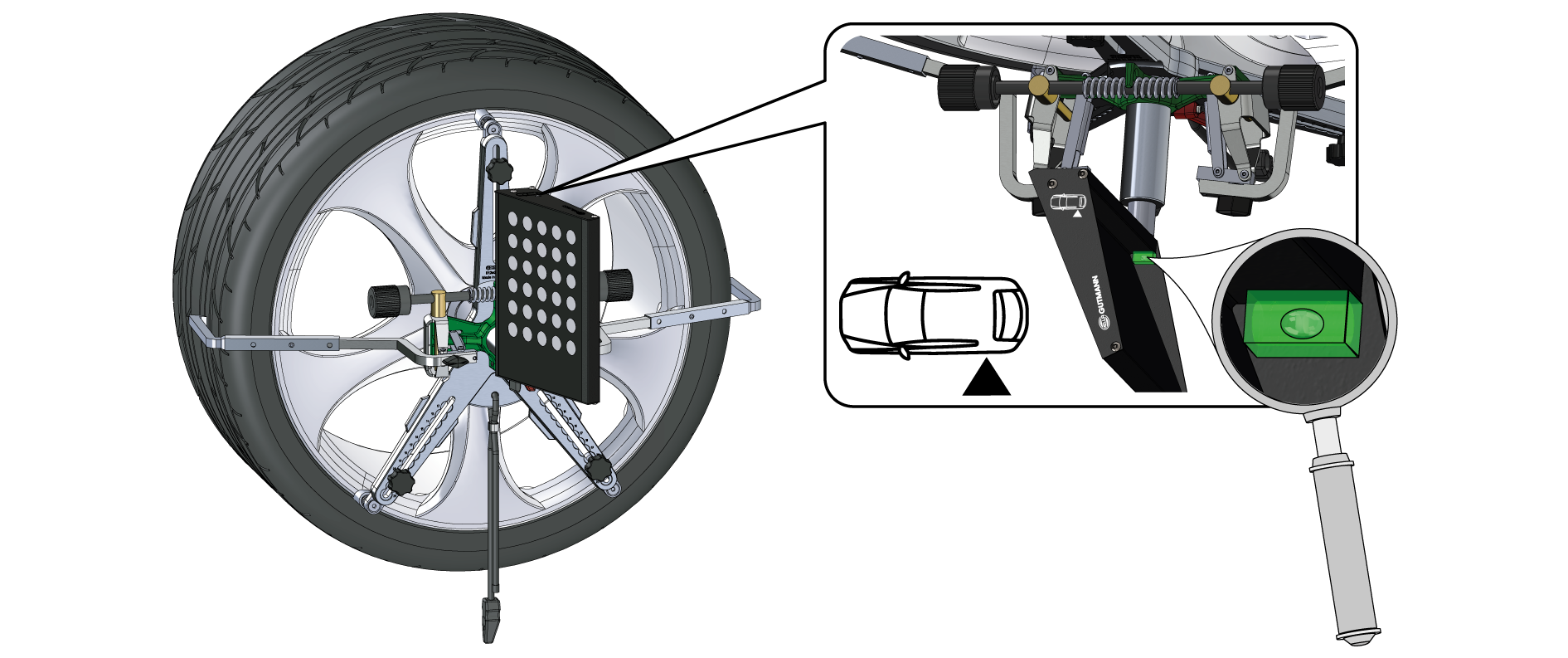
CSC-Tool wheel clamps rim with 3D panels
NOTICE

Determine the mounting position
Pay attention to the image printed on the 3D panel.
It specifies on which wheel (e.g. front left, rear right) the wheel clamp is to be mounted.
|
|
|
|
Set wheel size
- Preset the rim diameter.
- Adjust the required rim diameter using the hand knob bolt.
- Preset the gripping arms.
- Use the spindle at the clamping chuck to adjust the gripping arms so that you can position them between tire and wheel arch edge.
Attach the wheel clamp
- First attach the wheel clamp with the lower two contact elements to the rim flange.
- Afterwards attach the third contact element on the rim flange.
- Check points of contact.
- Make sure that all three contact elements are correctly and equally on the rim flange.
- If necessary, correct the presetting using the hand knob bolts.
Attach and align the wheel clamp
- Tension the wheel clamp.
- Push the wheel clamp against the rim and tighten it with the spindle, until is securely fastened.
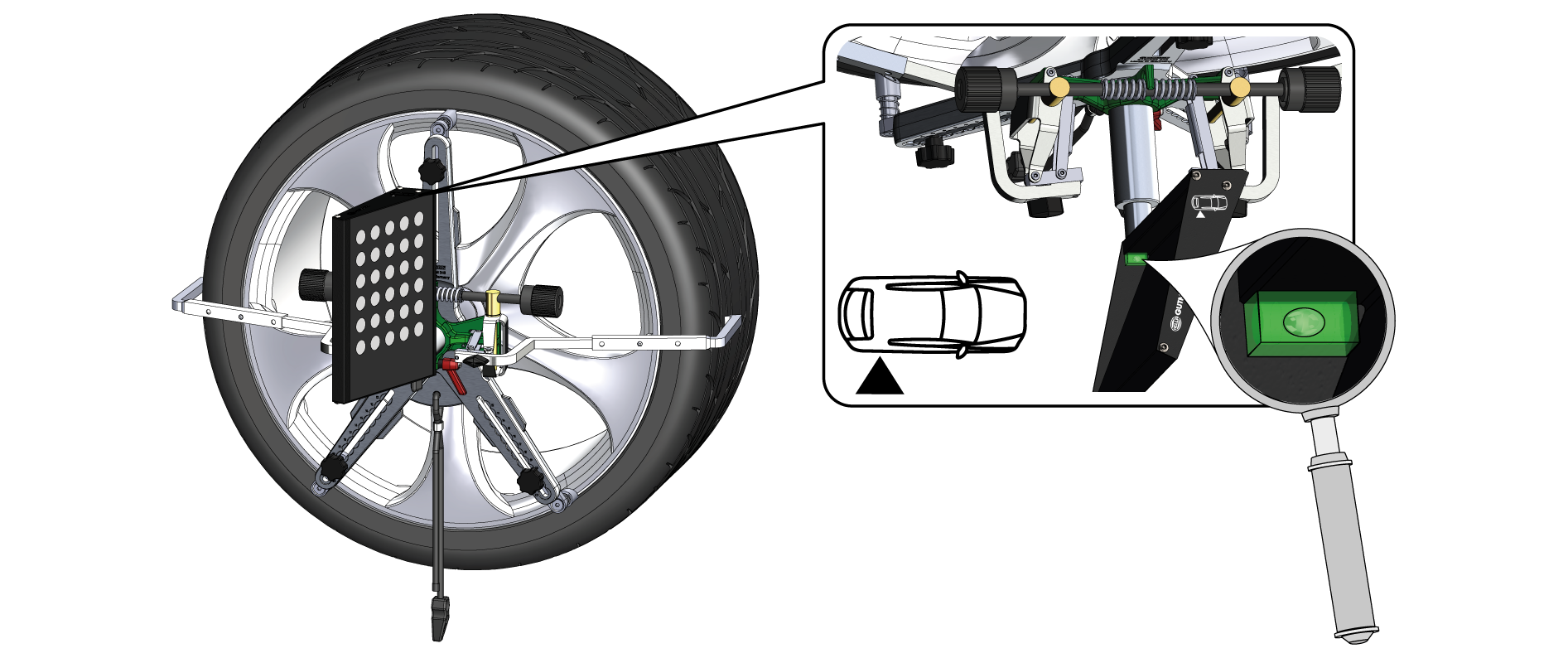
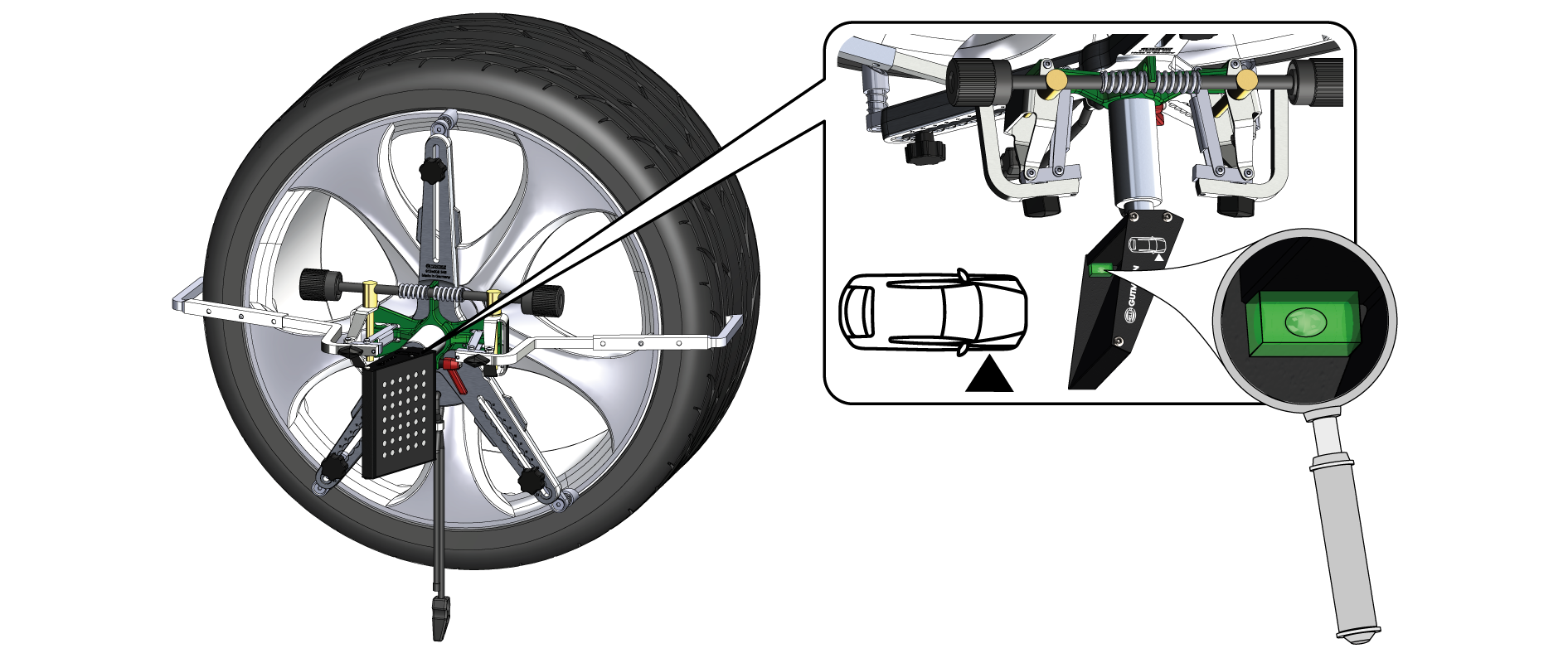
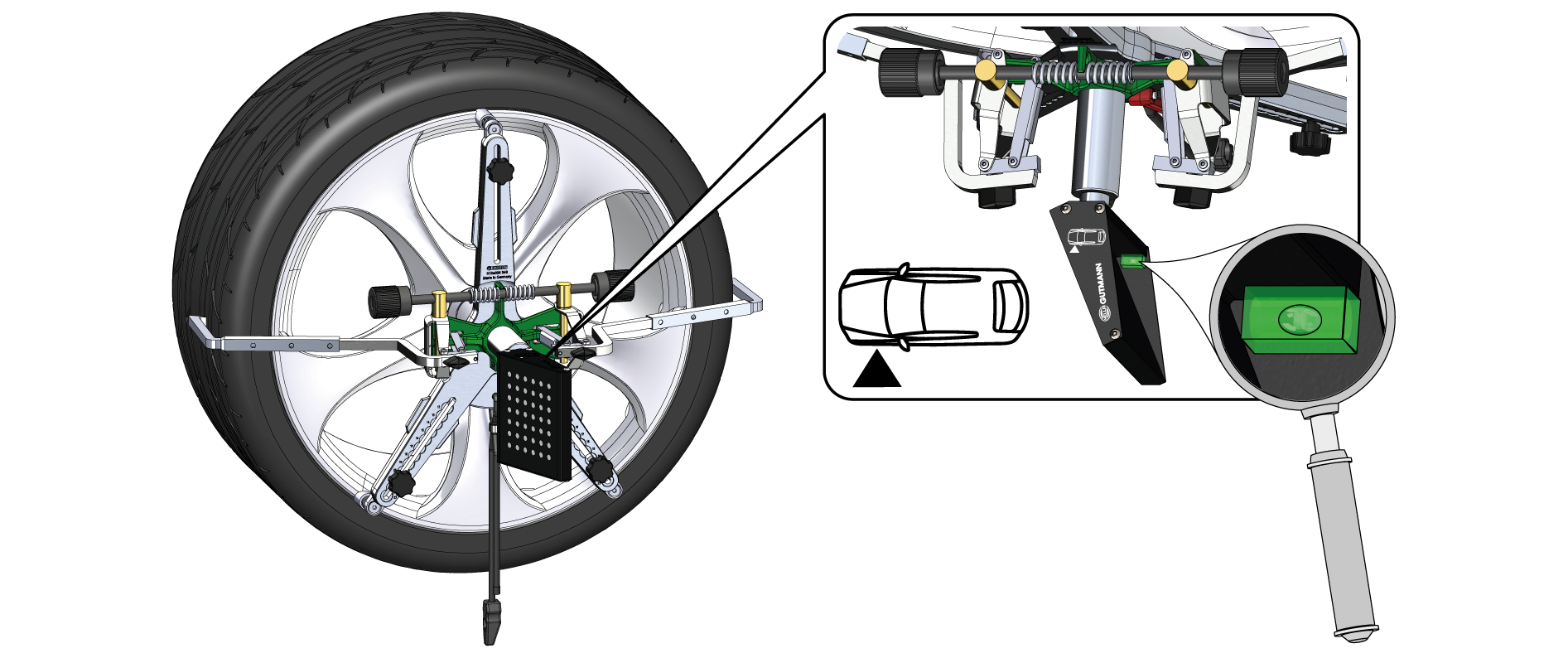
- Check seat and field of view.
- Ensure that the wheel clamp is evenly in contact with the wheel.
- Ensure that the 3D panels are clearly visible within the visual field of the camera optics.
- Check the alignment.
- Check the horizontal alignment of the 3D panels with the integrated level.
- Correct the position if necessary until the level is centered.