Connect Measuring Technology
The MT-HV measurement module can be connected to the display unit via USB-C connection.
After a successful connection, the measurement module is available in the mega macs PRO app.
NOTICE

Use the supplied USB-C cable or make sure that the USB-C cable used is suitable for data transfer.
For measurement operation, the MT-HV must remain permanently connected to the display unit via USB-C cable.
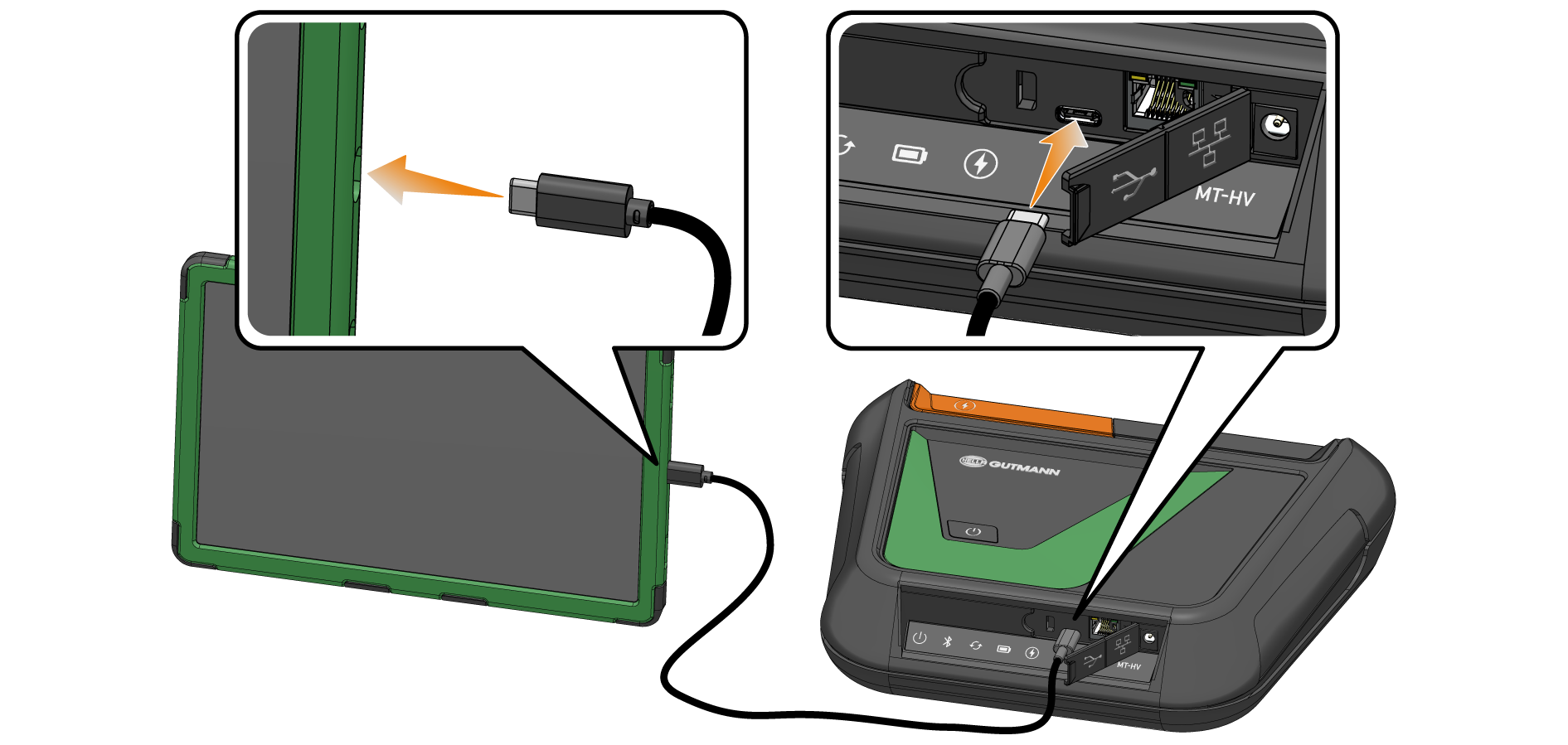
- Connect the MT-HV to the display unit via the USB-C cable.
- Confirm the operating system connection request with >OK<.
- After a successful connection, the measurement module is available in the mega macs PRO app.
NOTICE
Information on connecting and using the MT-HV measurement module can be found in the corresponding operating instructions.